macOS Troubleshooting
1. Torii SRS cannot be opened…
Torii isn’t enrolled in Apple’s paid developer program, so it can’t be code-signed. macOS Gatekeeper flags unsigned apps downloaded from the internet as “quarantined”, which causes the error you’re seeing.
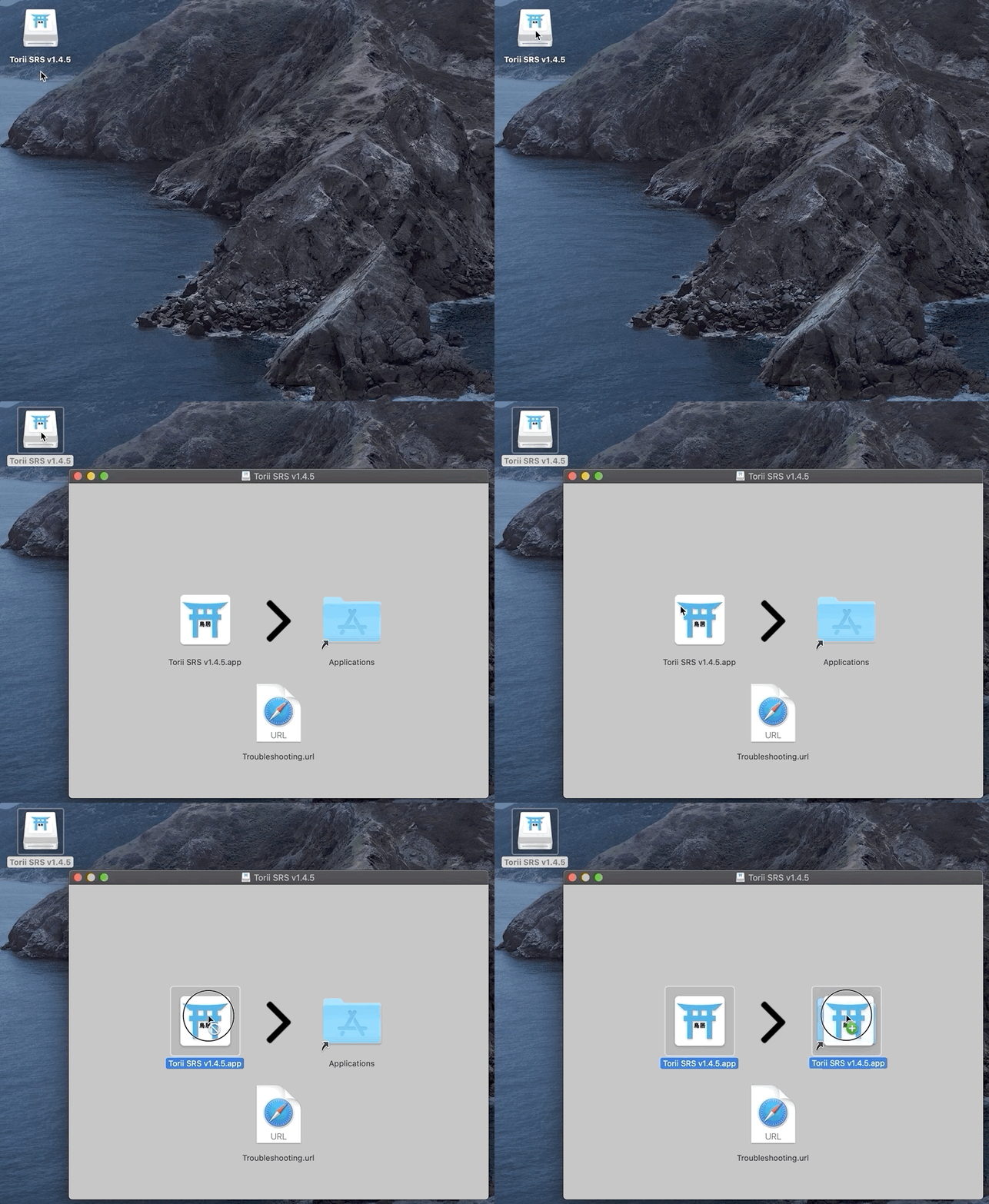
- Move ToriiSRS.app to your /Applications folder.
- Open Terminal and run:
xattr -cr /Applications/ToriiSRS.app
That clears the quarantine flag. Proceed to launch the app normally.
2. No Audio
Make sure you have moved Torii into your Applications folder!
Also confirm that your third-party firewall (LuLu, Little Snitch, Radio Silence, …) doesn’t block new connections by default.
3. The application “Torii SRS” can’t be opened
This means the app isn’t marked as executable. You’ll have to set permissions manually.
- Right-click Torii SRS.app > Show Package Contents > Contents > MacOS
- Open Terminal
- Type in “sudo chmod +x ” (notice the space after +x) and drag & drop “JavaAppLauncher” onto the Terminal window
- Press Enter and confirm with your password if prompted to do so
4. My issue isn’t listed!
- Check out the FAQ section
- Get in touch with the Dev